



Spinanzia Login
Spinanzia login provides registered players with the security of accessing their personal Spinanzia Casino account. Once you’re logged in, you can make payments, claim offers, play real-money games and update your account settings all in one place.



Getting Started with a Spinanzia Account
Your Spin Anzia account is the hub where you can manage every aspect of your casino experience. Once you sign up, you can play for real money, participate in promotions, manage your profile, check your gaming activity and complete the verification process whenever it is needed. Your account also has your transaction history, security preferences, and personal settings all in one place.
Complete Your Registration
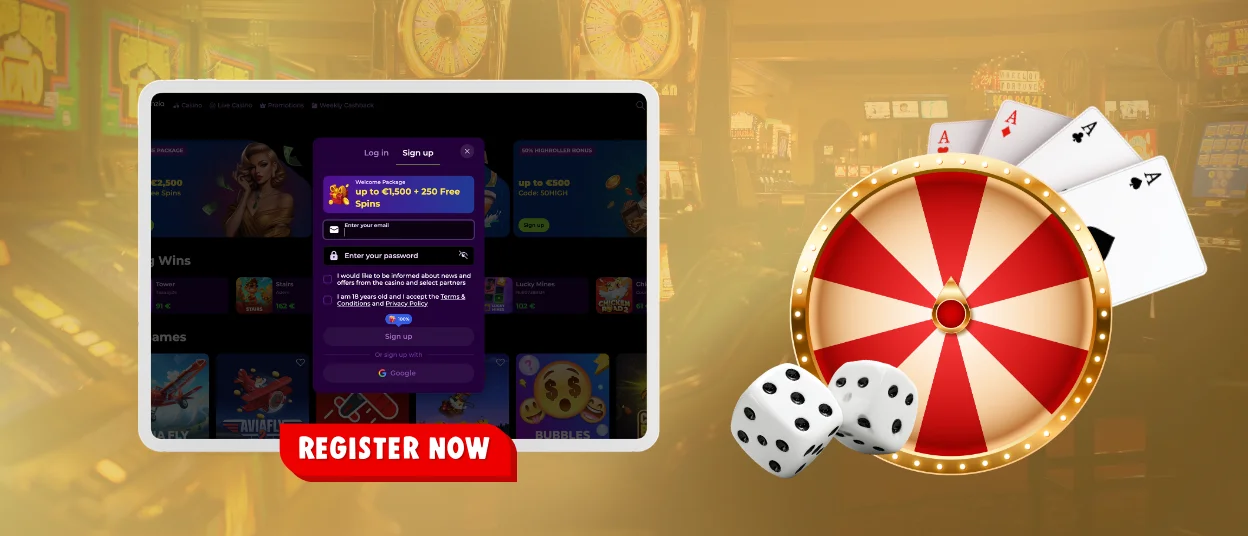
Creating an account requires only a few steps.
- Open the Spin Anzia registration form from the main page.
- Enter your email address and create a secure password.
- Complete the required personal details.
- Accept the Terms and Conditions.
- Confirm your registration using the email sent to your inbox.
Once you verify your email address, your profile will be activated and you can log in using your registered email address and password.
Sign In to Your Spinanzia Account
The login process at Spinanzia is made to provide you with quick access to your account on all supported devices. Enter the registered email address and password. Click on the confirmation button to log in as a user. This will open your profile.
Once signed in, you can:
- start real-money play;
- review your balance and transaction history;
- claim available promotions;
- manage responsible gaming settings;
- update eligible personal information;
- check the status of your verification.
You can also easily check your account activity and access profile settings in your personal area.
Recover Account Access
In case you forget your password, click on the Forgot Password option on the login page of Spinanzia Casino. Enter your profile email address and follow the password reset instructions emailed to you.
Security restrictions will be temporarily applied to protect your account if multiple attempts to log in are unsuccessful. Once your identity has been verified, you can recover access through the recovery process.
Spin Anzia Account Verification
Our verification process helps to confirm that each account is used by the player it is registered to and supports regulatory compliance. The identity check is completed before the first withdrawal or when additional verification is required.
In the Verification section, you can upload the requested documents and check the status of the verification. We will ask for the following depending on the request:
- a valid government identification document;
- proof of address;
- confirmation of the preferred payment method.
When the review has been successful, the approval of your profile will be visible in your profile so that you can continue to enjoy all account functions without interruption.
Account Security
Helping keep your profile secure helps protect your personal information, funds and gaming activity. Spin Anzia has security procedures for the prevention of unauthorized access and to ensure that important profile actions can only be taken by the registered account holder.
For your safety, choose a strong, unique password and keep your login information private. If we find suspicious activity, we ask for extra security checks or limit your access temporarily until we know we’re talking to you. This helps protect your profile and your payment information.
Your profile is also a convenient place to manage security settings, review recent activity, update contact information where permitted and recover access using your registered email address if necessary.
| Security Feature | Purpose |
| Secure Login | Helps protect your account from unauthorized access |
| Password Recovery | Restores access through your registered email address |
| Personal Data Management | Allows eligible updates to account information |
| Activity Review | Lets you monitor recent account activity |
Frequently Asked Questions
Can I stay signed in to my device?
Yes. You can stay signed in, depending on your browser or device settings. If you are on a public or shared computer, remember to sign out when you are done.
Can I Use My Spinanzia Account on Multiple Devices?
Yes. You can access your account from any supported desktop or mobile device through the Spinanzia App using the same login credentials you signed up with
Will I be able to access my account information if I sign in on a different device?
“Yes.” Your account ties together your balance, game history, account settings and personal preferences so when you sign in you can pick up right where you left off.


