



Spinanzia App
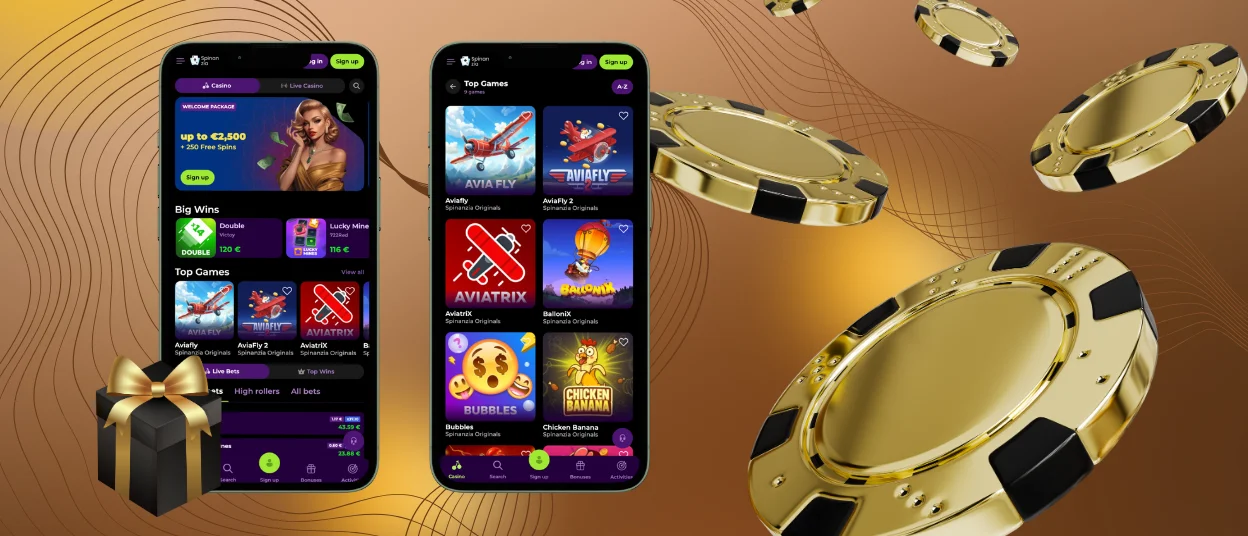
You can access Spinanzia Casino on the device of your choice with the Spinanzia App. It is built as a Progressive Web App (PWA) and provides an app-like experience without having to download it from an app store. Once installed, log in with your existing account and enjoy games, promotions and account features any time you like.


Getting Started with the Spinanzia App
The Spin Anzia App is powered by PWA technology, enabling players to install the platform directly from a compatible browser. It installs faster and uses less space on your device because it doesn’t have to be downloaded from Google Play or Apple’s App Store like traditional apps.
When it’s installed, you can launch the app from your home screen just like any other normal app, so you can get to the casino quickly whenever you feel like playing.
The Spinanzia App has a number of practical advantages compared to a normal mobile browser:
- launches straight from your device;
- opens in a separate window for a better experience;
- saves most of the interface resources locally to improve the loading speed;
- requires less device memory;
- supports notifications on compatible devices.
Spinanzia Android App
Android users can access the full Spinanzia platform through their mobile browser or install the Spinanzia App for even faster access. Once installed, the app launches directly from your home screen with a single tap, so there’s no need to open your browser each time. You can get alerts about promotions, account activity and other important information if you have notifications turned on for your device.
Installation Guide
Setting up the Android app requires only a few steps:
- Open the official Spinanzia website in Google Chrome or any other browser that supports PWA installation.
- Allow the page to load completely.
- Open the menu and select Add to Home Screen or Install App depending on which browser you’re using.
- Confirm the installation.
- Launch the Spinanzia App from the newly created app icon.
After installation, the Spinanzia App is ready to use immediately. You can launch your favorite casino games without returning to the website each time.
APK Version
There is no official Spinanzia APK available for download. The platform is a Progressive Web App, so players don’t need an APK file to install it on Android devices. The download of the Spinanzia app is instead done directly from the browser, using the official website, which reduces the risk of installing modified or unofficial software from third-party sources.
This installation method also simplifies maintenance. Rather than downloading new files every time an update is released, the browser automatically applies the latest version in the background. As a result, the Spinanzia download app process is completed only once, while future improvements become available without manual updates.
Spin Anzia for iPhone and iPad
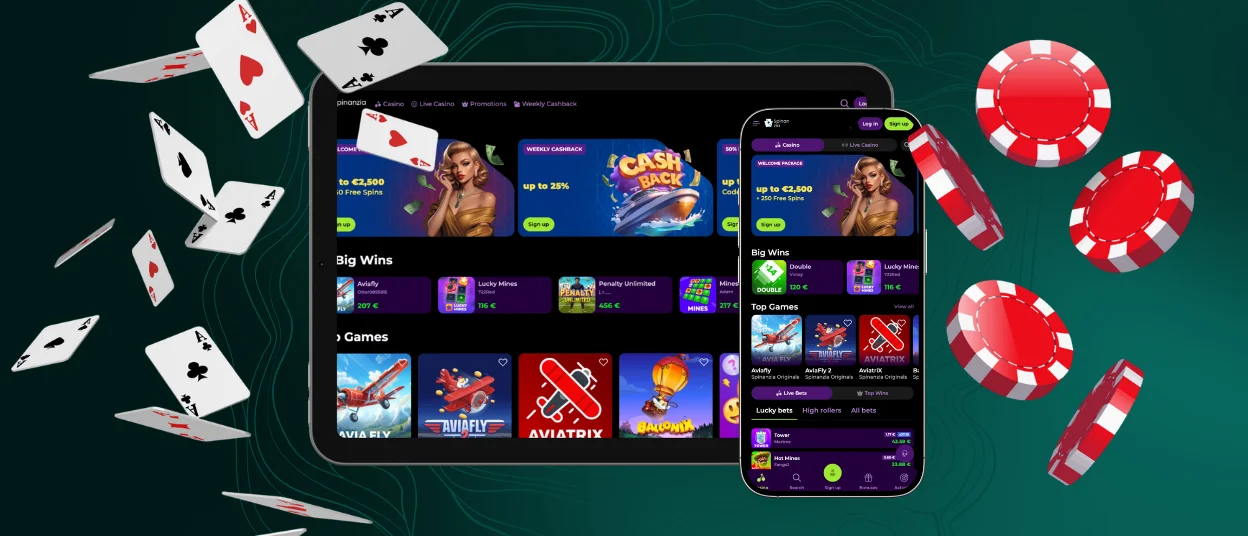
The Spinanzia App can be installed on iPhone and iPad directly from Safari. Once added to your home screen, it opens like a regular application while automatically adapting its interface to different Apple devices.
Installing the iOS app takes only a minute:
- Open the official Spinanzia website in Safari.
- Tap the Share button.
- Select Add to Home Screen.
- Confirm the installation.
The table below highlights the main features of the Spinanzia App on iPhone and iPad after installation.
| Feature | Spinanzia App on iOS |
| Installation | Added directly from Safari without using the App Store |
| Updates | Installed automatically through the browser |
| Account | Sign in with your existing Spinanzia account |
| Storage usage | Requires minimal device storage thanks to PWA technology |
| Interface | Opens in a dedicated window with touch-optimized navigation |
Once added to your iPhone or iPad, the Spinanzia App is optimized for touch controls and different screen sizes, making it comfortable to browse games, promotions, and account options on Apple devices.
Play Spinanzia on Windows and Mac
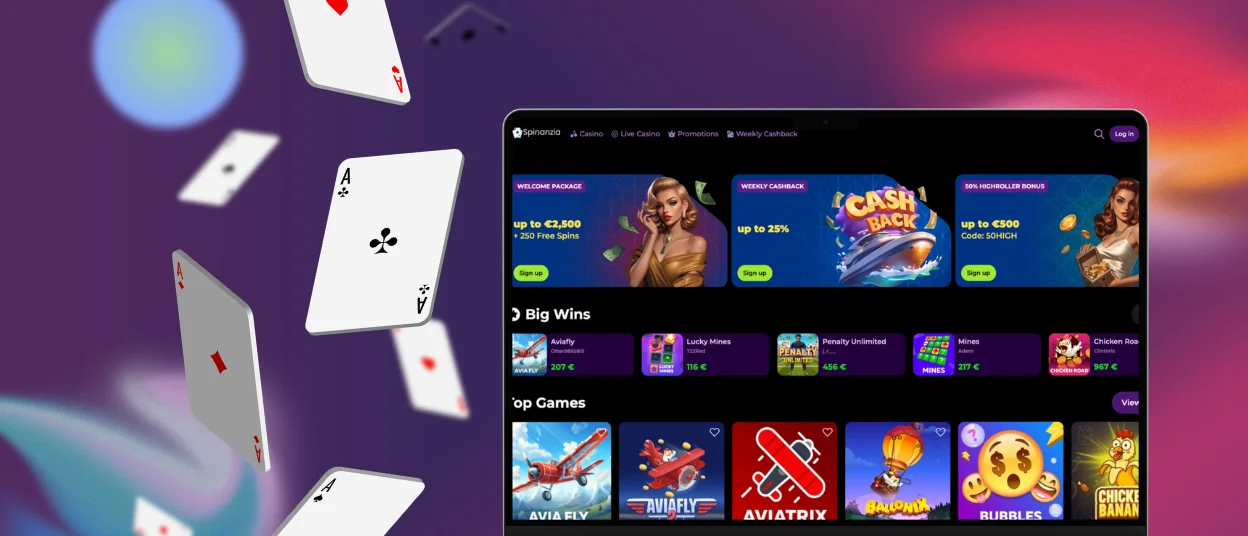
The Spinanzia App can also be installed on Windows and macOS directly from the official website. On most compatible browsers, the installation option appears in the address bar. After confirming the action, the Spin Anzia App is added to your desktop or taskbar, allowing you to launch the casino in a single click.
Desktop installation offers several practical benefits:
- opens in a dedicated application window without browser tabs;
- can be launched directly from your desktop or taskbar;
- supports desktop notifications on compatible systems;
- provides the same features as the mobile version.
Once installed, the Spinanzia App integrates naturally into your desktop environment, making it easy to launch the casino whenever you want to play.
Frequently Asked Questions
Can I Use the Spinanzia App on Multiple Devices?
Yes. You can download the Spinanzia App on multiple compatible devices and log into the same account. So you can continue playing on whatever device is most convenient for you at the moment.
Does the Spinanzia App Require an Internet Connection?
Yes. The Spinanzia App is linked directly to the online casino, so you need to have an active internet connection to access games, promotions and account features. It works over Wi-Fi and cellular data connections.
Can I Remove the Spinanzia App Without Deleting My Account?
Yes. Deleting Spinanzia App from Devices will not cause any harm. Your player account, balance and game history stay attached to your account and are available again when you sign in.


